
Download Crime Scene Clean Up Software – crime scene documentation, case management, photo attachment, instant saving, notepad, investigation tool, forensic software, digital evidence, crime documentation software, crime scene cleanup, case file management
Overview
Crime Scene Clean Up Software is a productivity-focused mobile application designed for structured documentation and case management in investigative scenarios. Tailored for both professional users and individuals managing personal investigations, the software provides a centralized platform to record, organize, and preserve critical information. Its core purpose lies in ensuring no detail is overlooked during the documentation process, offering a reliable digital solution for tracking crime scene data.
The app supports a range of real-world use cases, from formal forensic investigations to private case tracking. By enabling users to compile notes, attach visual evidence, and maintain structured case files, it streamlines the workflow for those who require accurate, well-organized records. The developer, Crime Scene Clean Up Software, has positioned the app as a tool for clarity and completeness in documentation, emphasizing reliability and ease of access.
While the developer did not provide additional technical details, the app’s focus on case management and digital evidence preservation places it within a niche but important segment of the mobile productivity ecosystem. For users who prioritize systematic data capture and long-term file integrity, Crime Scene Clean Up Software offers a dedicated utility that addresses common challenges in investigative workflows. Its release date, January 4, 2012, indicates a long-standing presence in the market, suggesting continued relevance despite evolving digital tools.
Key Features & Functionality
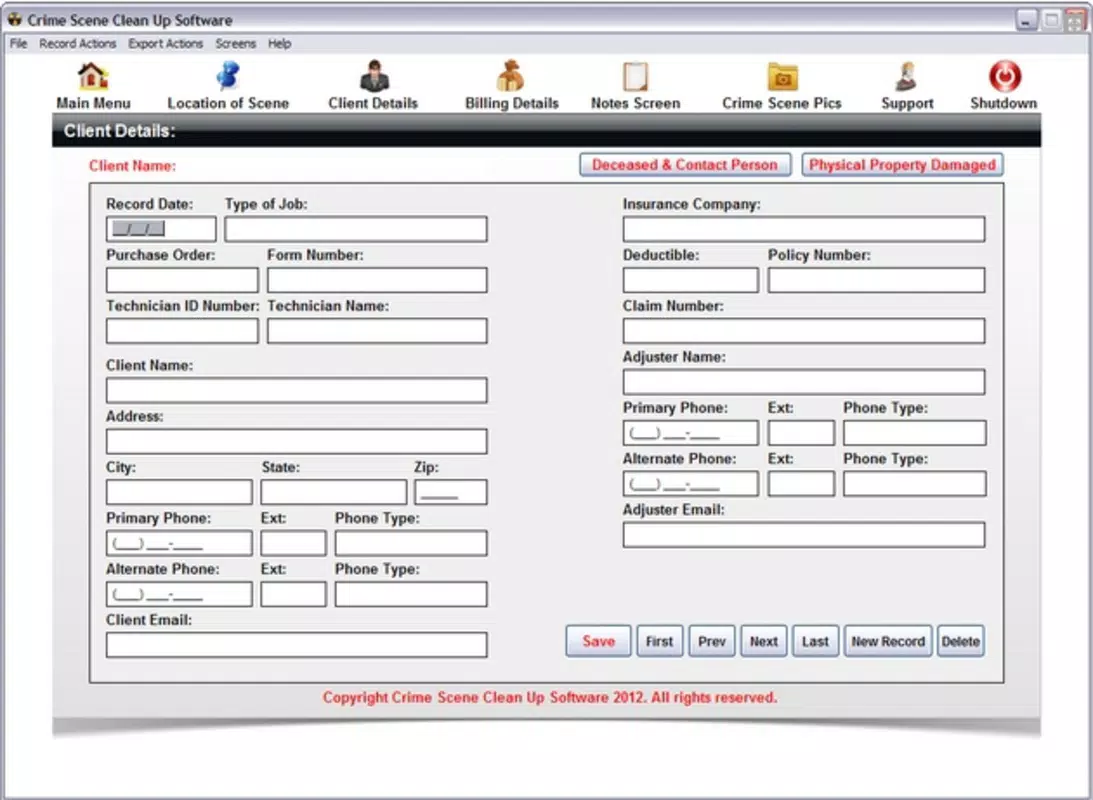
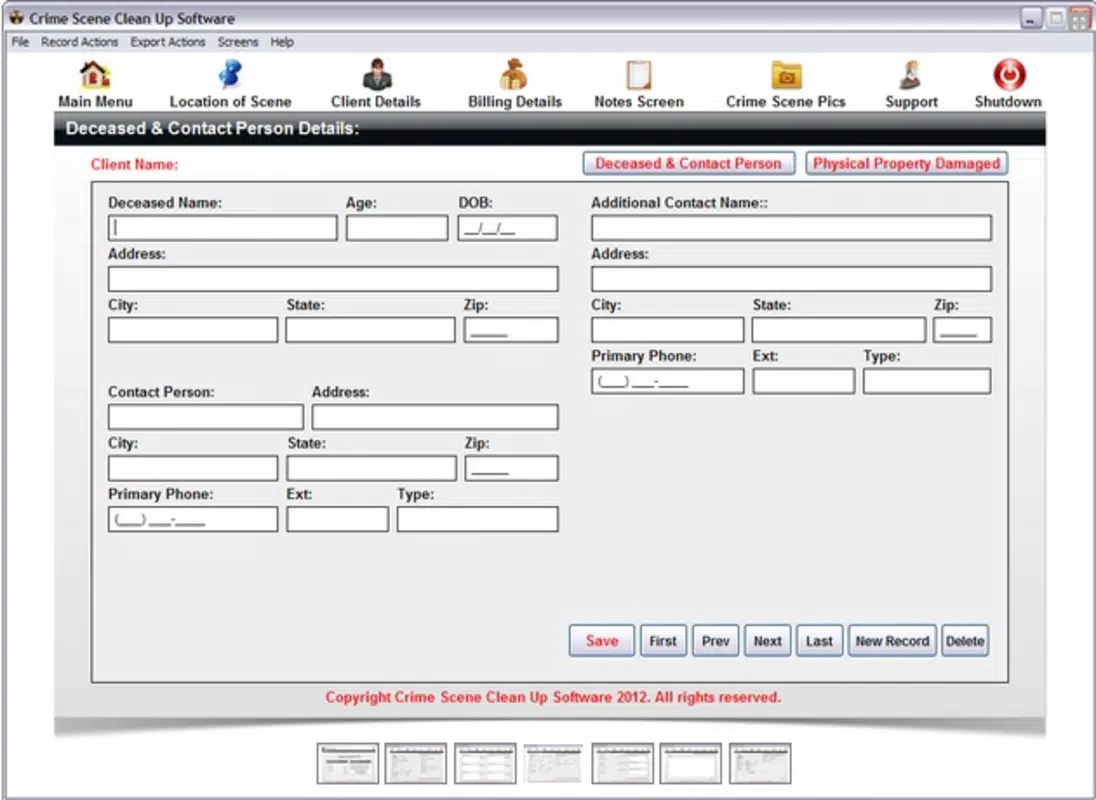
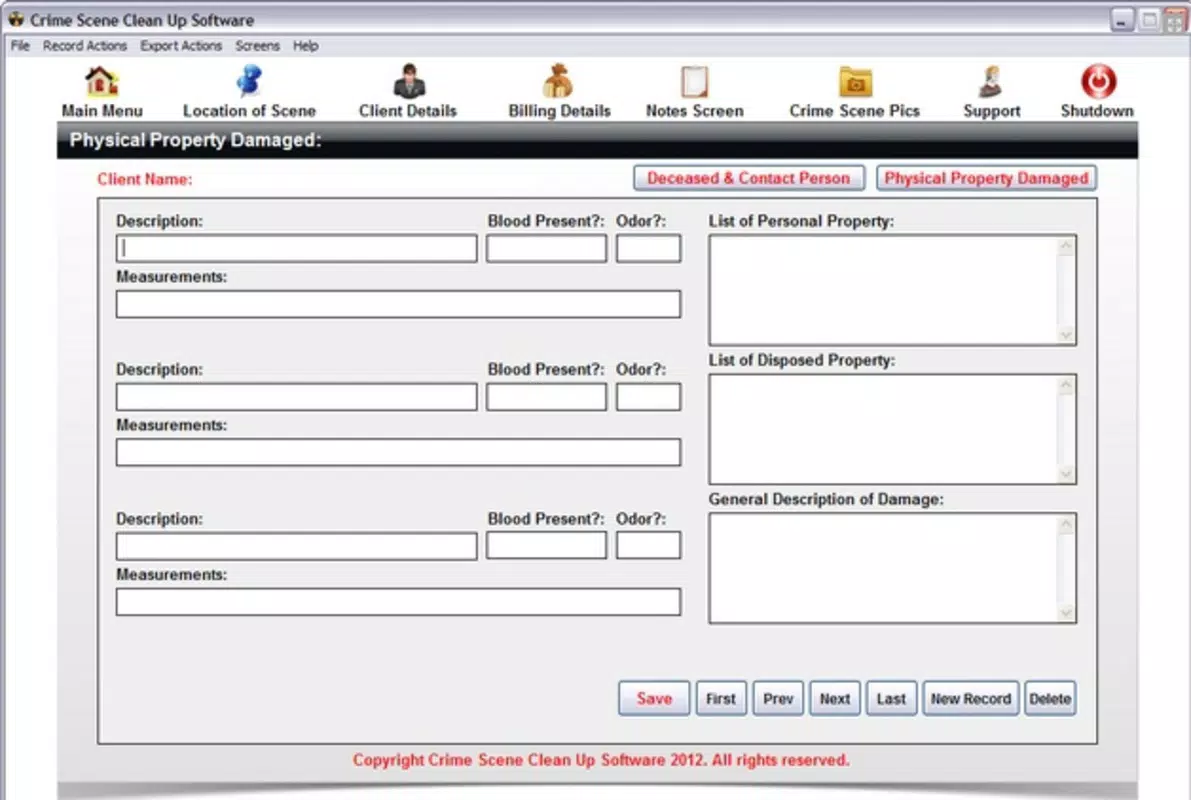
- Case Management: The software allows users to create and maintain structured case files, compiling all relevant data in one centralized location. This feature supports a systematic approach to investigations, helping users track progress, assign notes, and maintain clarity across multiple cases.
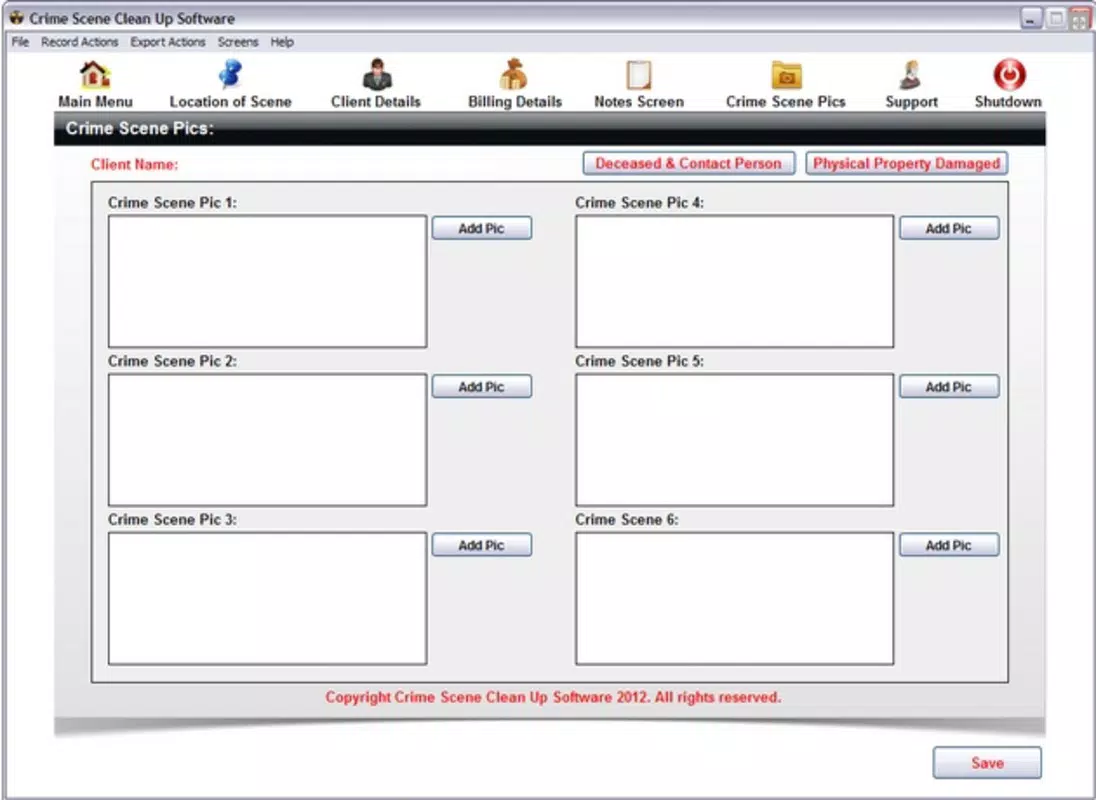
- Photo Attachments: Users can attach images directly from crime scenes to their case files. This functionality enhances documentation by linking visual evidence with written observations, enabling quick reference and improved recall during review or reporting.
- Instant Saving: With automatic saving capabilities, all entries and attachments are securely stored in real time. This prevents data loss due to interruptions or accidental closures, ensuring continuity and reliability in documentation.
- Notepad Functionality: A dedicated notepad provides a space for spontaneous notes, observations, and insights. Integrated with case files, it allows users to capture critical details as they arise, maintaining a comprehensive record of the investigative process.
- User-Friendly Interface: Designed with accessibility in mind, the app features an intuitive layout that minimizes the learning curve. Whether used by professionals or non-experts, the interface supports smooth navigation and efficient data entry.
For example, a private investigator could use the photo attachment and notepad features to document a missing person case, linking images of locations with handwritten notes. Similarly, a law enforcement trainee might use the case management system to organize evidence from a simulated crime scene, practicing documentation procedures in a controlled environment.
Interface, UX & Performance
The interface of Crime Scene Clean Up Software is designed with clarity and simplicity in mind, focusing on functional layout over visual embellishment. Navigation appears to follow a linear, task-oriented structure, allowing users to move between case files, the notepad, and media attachments with minimal friction. The visual style is consistent with productivity tools, emphasizing readability and accessibility.
Although the developer did not list formal performance metrics, the app’s lightweight file size of 24.5 MB suggests efficient resource usage. This indicates potential compatibility with a broad range of Android devices, including older models. The app’s responsiveness and stability are not explicitly documented, but the inclusion of instant saving implies an effort to maintain data integrity during use.
Users can expect a stable experience across different device categories, though specific requirements were not listed. The app’s performance is likely optimized for basic documentation tasks, avoiding heavy processing demands. For users relying on consistent access to case files and media, the app’s design supports uninterrupted workflow without frequent crashes or delays.
Platform Compatibility & Technical Requirements
Crime Scene Clean Up Software is available on the Android platform. The current version is 1.2.0, with a file size of 24.5 MB. The app is offered at no cost, making it accessible to a wide audience. The developer did not specify minimum OS requirements or compatibility details beyond the platform.
Given its release date in 2012 and current version, the app may support older Android versions, but compatibility with newer systems is not confirmed. Users are advised to verify device compatibility through official channels. The app’s lightweight footprint suggests it may function on devices with limited storage and processing power, though no official testing data was provided.
Pros and Cons
Pros
- Free to download and use, reducing access barriers for users.
- Offers structured case management for organized documentation.
- Includes photo attachment for visual evidence integration.
- Instant saving ensures data is preserved in real time.
- Intuitive interface suitable for both professionals and non-experts.
Cons
- Specific OS requirements were not disclosed.
- No information on cloud sync or backup features.
- Limited visibility into update frequency or developer support.
- Platform availability is restricted to Android only.
- Performance on modern devices was not tested or confirmed.
FAQ
Is Crime Scene Clean Up Software safe to download and use?
The app is available for free on Android and does not require third-party permissions. While no security audit was published, its long-standing presence suggests a stable release history. Users should always download from trusted sources.
Can I use this app on iOS devices?
As of now, the app is only available on Android. There is no official iOS version listed by the developer.
Does the app support cloud backup or syncing?
The developer did not provide information on cloud integration or data syncing features. All data appears to be stored locally on the device.
How often is the app updated?
Update frequency is not publicly disclosed. The current version is 1.2.0, released in 2012, but no recent update details were provided.
Is the app suitable for professional forensic use?
The app is designed for structured documentation and may support basic investigative workflows. However, its suitability for formal forensic applications depends on institutional requirements and compliance standards, which are not specified.
Final Thoughts
Crime Scene Clean Up Software stands as a dedicated tool for individuals and professionals seeking a streamlined approach to case documentation. With its focus on structured data capture, photo integration, and real-time saving, it addresses core challenges in investigative workflows. While limited in platform availability and lacking detailed technical disclosures, its free model and user-friendly design make it a compelling choice for those needing a reliable, no-frills documentation utility.
Users who prioritize organization, data integrity, and ease of use in managing case files will benefit most from this app. Its long-standing presence in the market underscores its foundational value, even as digital tools evolve. For anyone managing investigations—whether professionally or personally—this app offers a practical solution for preserving critical information.
Download Crime Scene Clean Up Software now


